Nous Deux
An app for just the two of you. What you put in it stays between you.
- App StoreComing soon
- Google PlayJoin the beta
"What time are you home?"
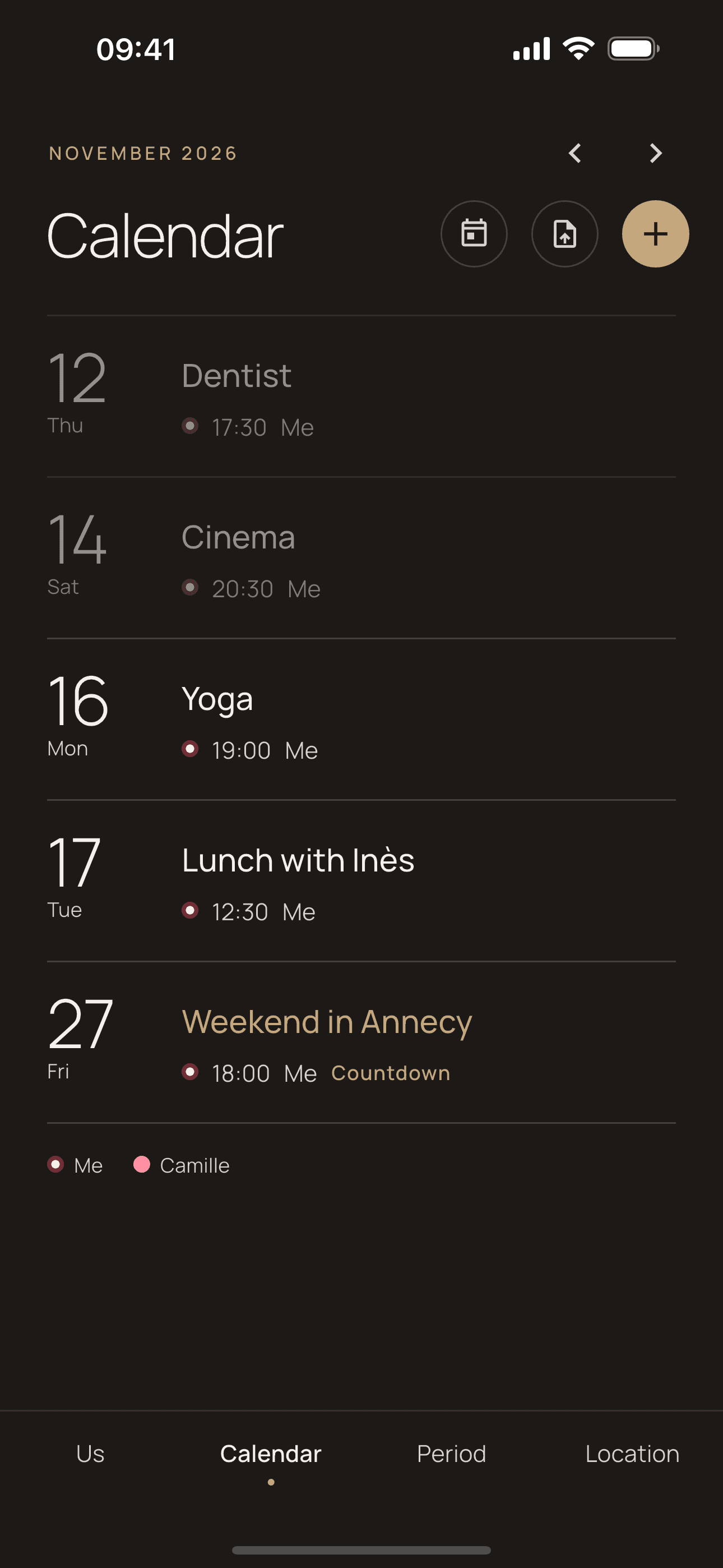
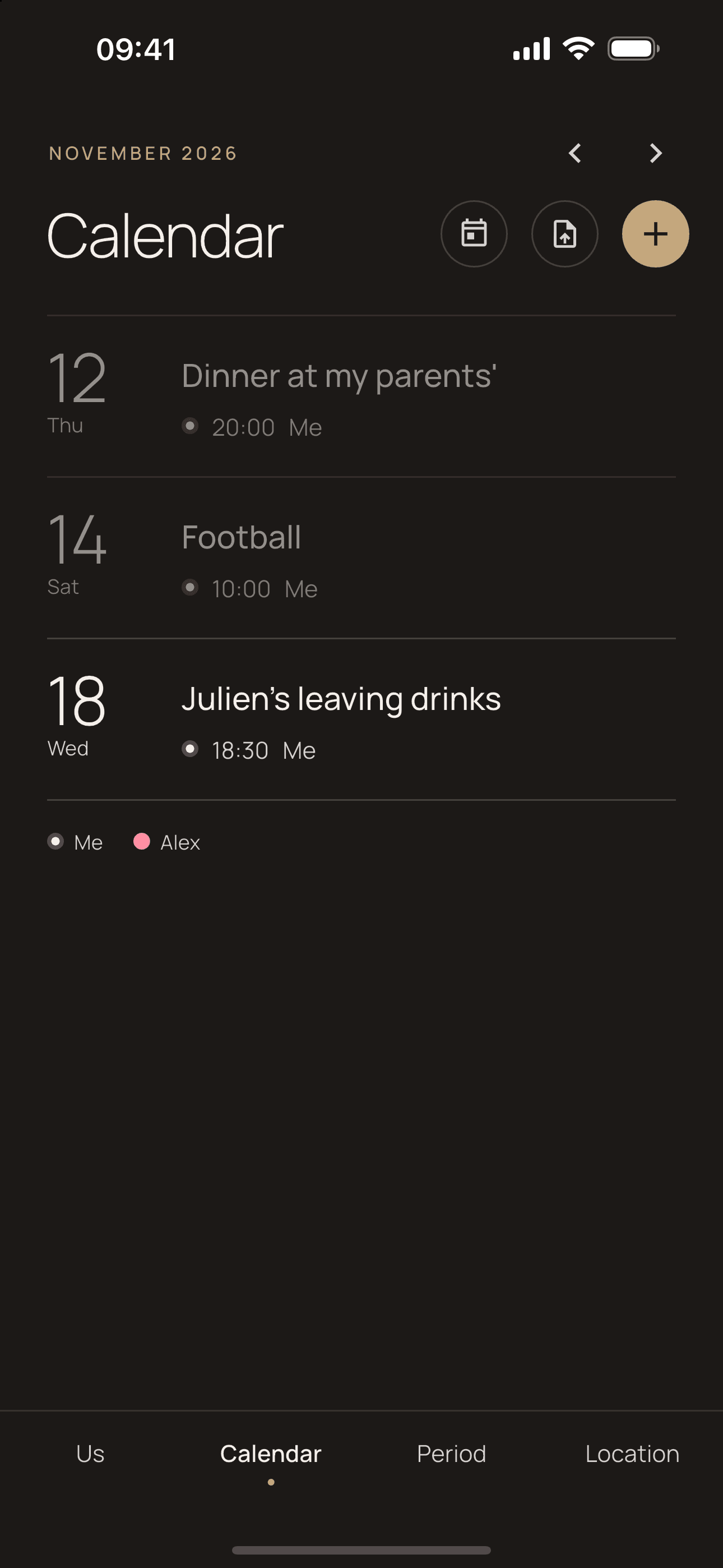
Dinner at their parents' is in their calendar, the dentist is in yours, and in between there are a lot of texts to line things up.
Nous Deux puts both lives on the same screen, and all it asks for is a six-character code.
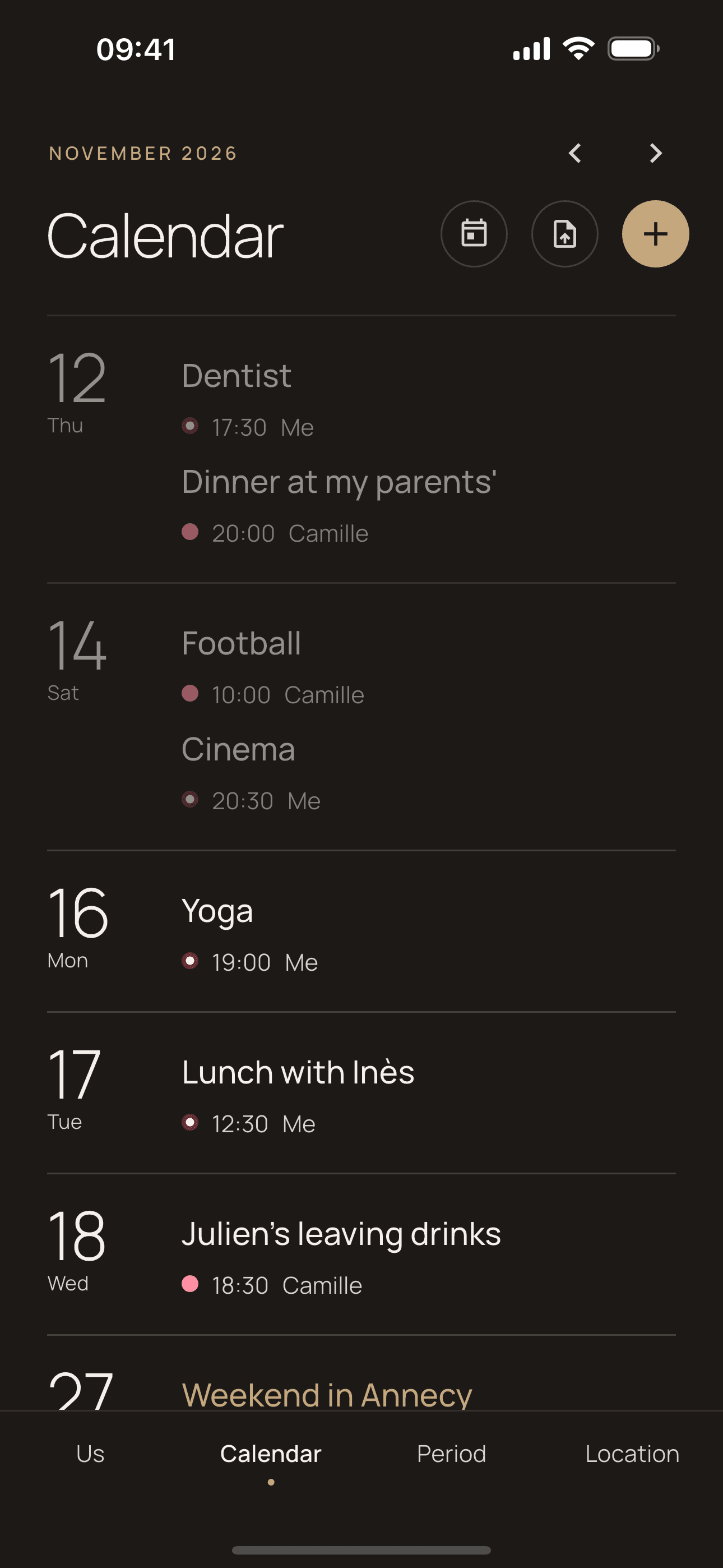
Two phones. One shared space.
One of you generates a code, the other scans it. From then on, whatever one of you adds, the other sees.
What you share
Six things, and nothing more.
Calendar
One calendar for two.Imports from your phone's calendar.
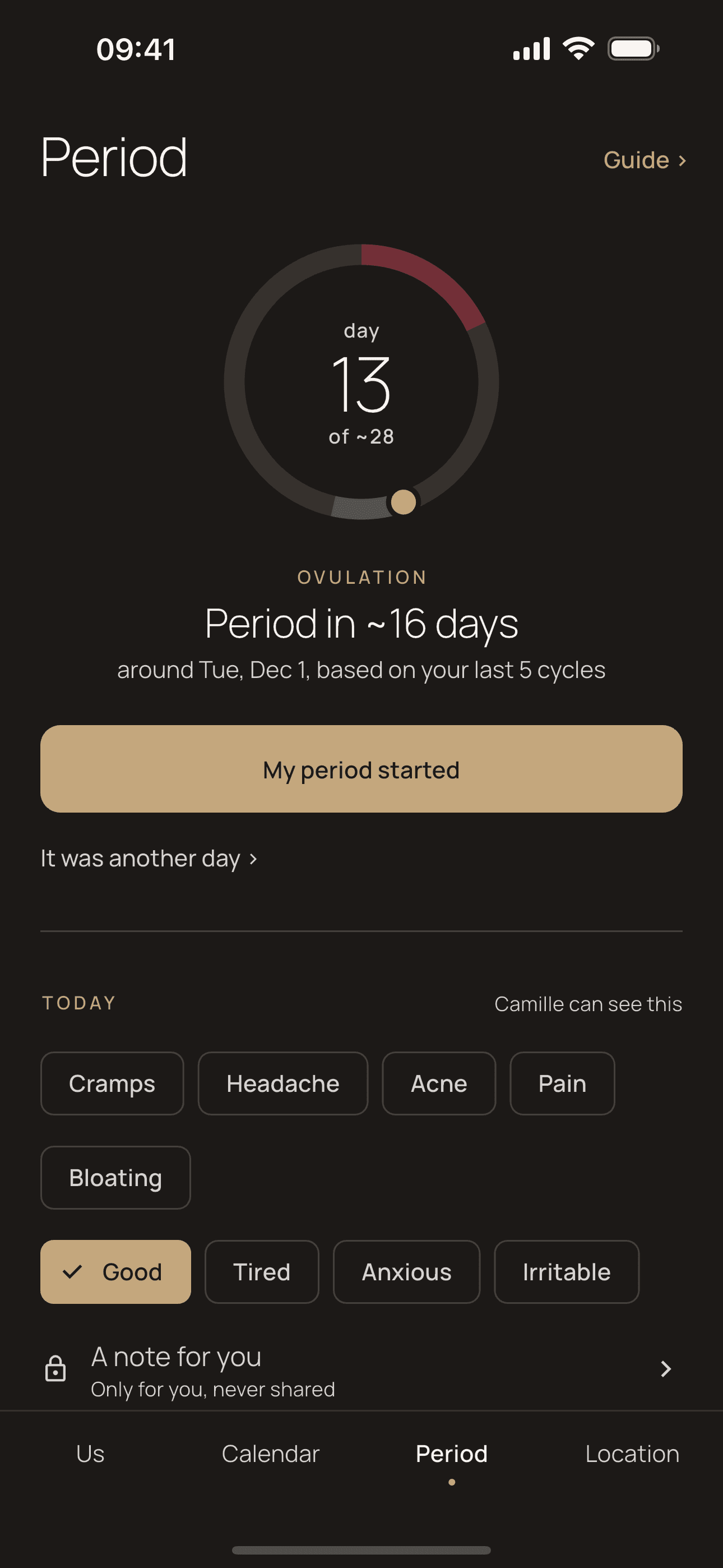
Cycle
Log, mood, symptoms.A guide for each of you.
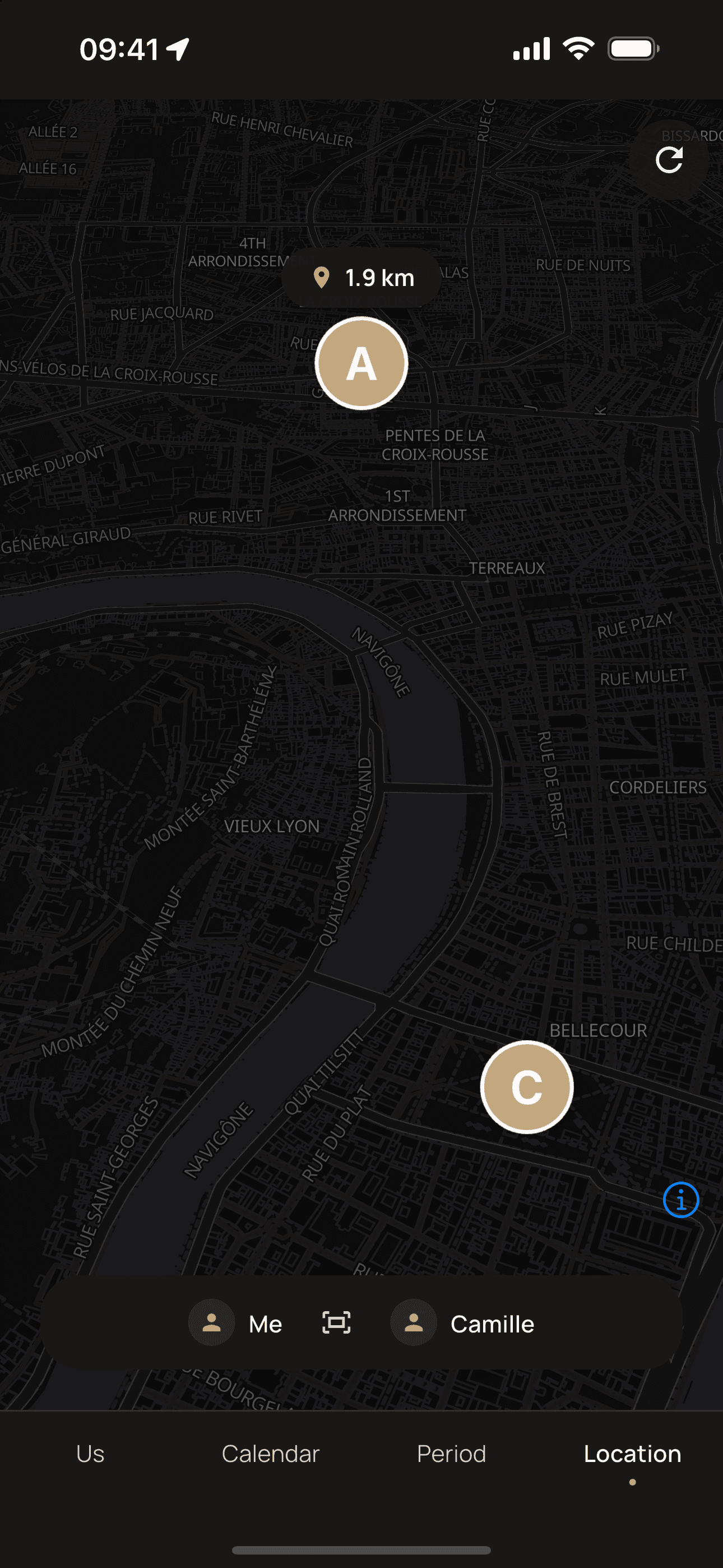
Location
Live, when you turn it on.No history.
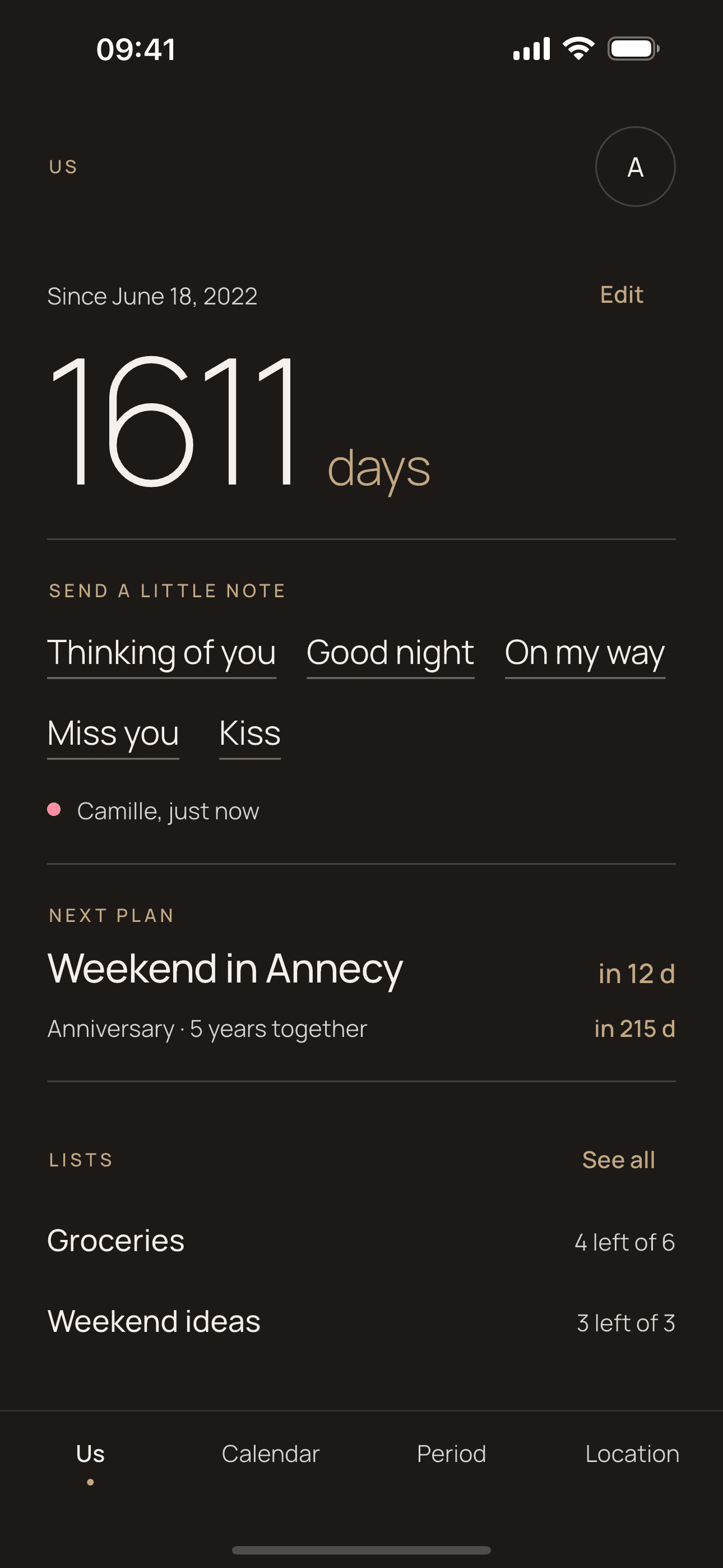
Your days
How many days you've been together.A countdown to the next plan.
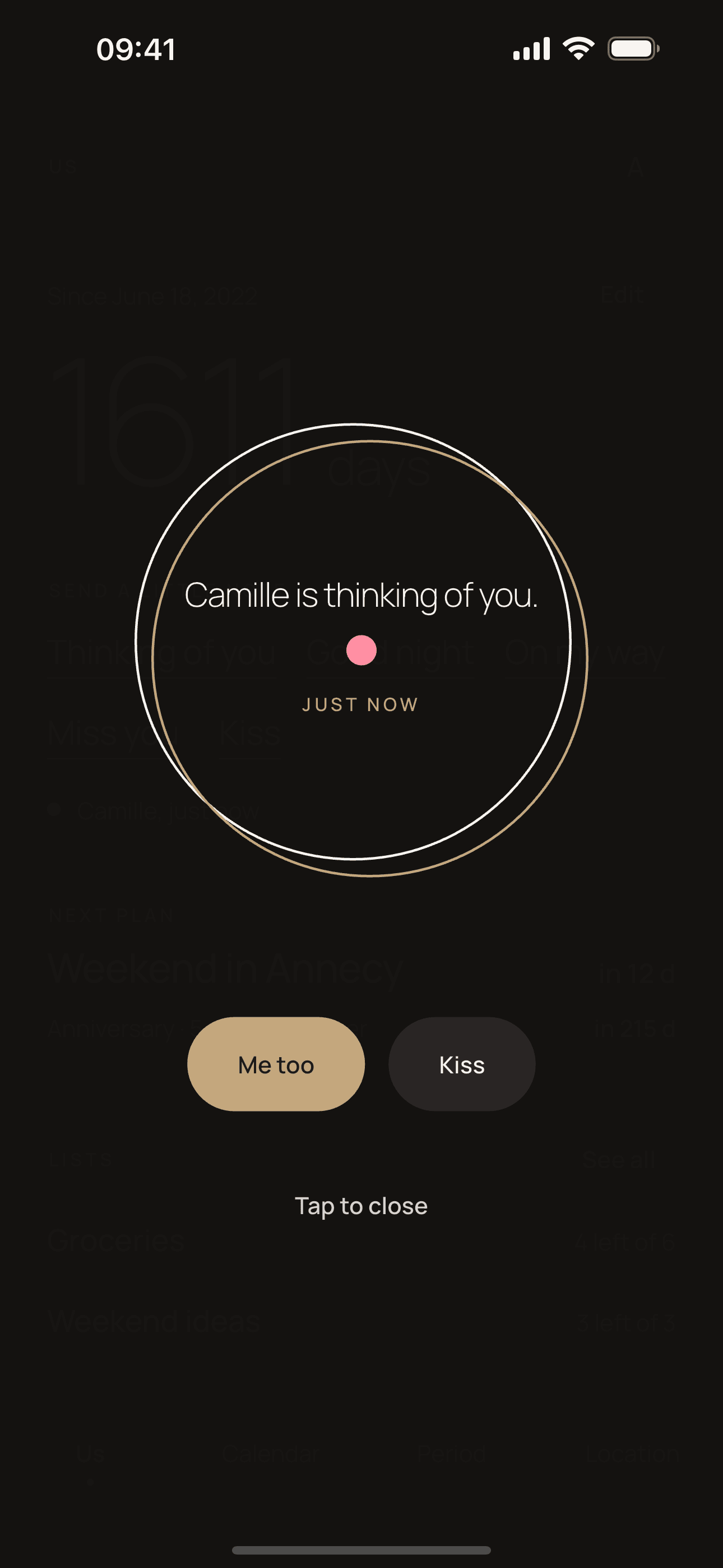
Little notes
Thinking of you, good night, on my way.Sent with one tap.
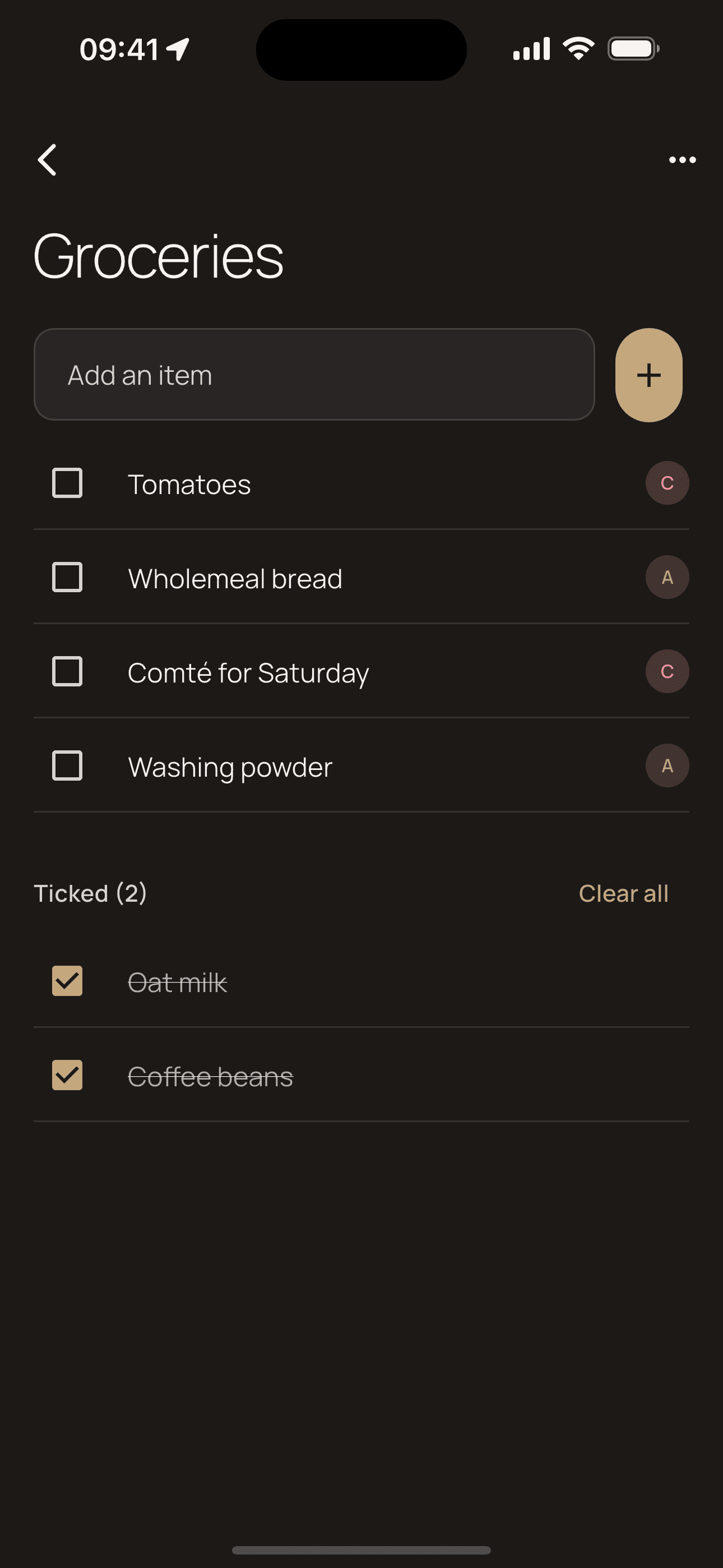
Lists
Groceries, to-dos, ideas.Ticked off on both phones, live.
No feed, no ads, no strangers.
Nobody else reads it.
- There are no ads, and there never will be.
- Your data isn't sold or used to target you.
- Location has no history: only the latest one is kept.
- If one of you leaves the couple, everything you shared is deleted.
The details are in the privacy policy and on the account deletion page.
Questions
Is it free?
Yes, and there are no ads. If the app is useful to you, you can support the project with a coffee.
How do I invite my partner?
In the app, generate a code and show it. Your partner scans it or types it, and you're linked straight away.
Who sees my data?
Your partner, and nobody else in the app. It isn't sold or used for advertising. The privacy policy explains where it's hosted.
How do I delete my account?
In the app: Settings › Account › Delete my account. Without access to the app, email the address on the Account deletion page, with the email address (Google or Apple) you sign in with.
When does the app come out?
The Android beta is open: the "Join the beta" page explains how to install it. The App Store and Google Play launch will follow. The source code is already public on GitHub.
In beta on Android. Coming soon to the App Store and Google Play.
Until then, if you like the project, you can buy its developer a coffee.